

Simplifying User Authentication with Amazon Cognito and Google Integration
Cloud Engineer | AWS Community Builder
Introduction
User authentication is a critical component of modern web and mobile applications. Implementing secure and user-friendly authentication can be a complex task. However, with the powerful combination of Amazon Cognito and Google integration, developers can streamline the authentication process while leveraging the security and convenience of Google accounts. In this blog, we will explore how to integrate Google Sign-In with Amazon Cognito, allowing you to enhance your application's user experience and security.
Why Choose Amazon Cognito?
Amazon Cognito is a fully managed service by AWS that provides authentication, authorization, and user management for your applications. It offers several benefits:
Scalability: Amazon Cognito can handle millions of users, ensuring your application scales effortlessly as your user base grows.
Security: It supports industry-standard protocols, including OpenID Connect and OAuth 2.0, ensuring secure authentication and authorization flows.
Flexibility: Amazon Cognito supports various authentication methods, including social identity providers like Google, enabling you to offer multiple login options to your users.
User Management: It provides comprehensive user management features, such as user registration, user profile management, and password resets, reducing the development effort required for these functionalities.
Steps to Integrate Google Sign-In with Amazon Cognito:
Step1: Set Up Google Developer Account:
- Create a project in the Google Developers Console.

Enable the Google Sign-In API for your project. Set up the OAuth consent screen to configure and register the application.
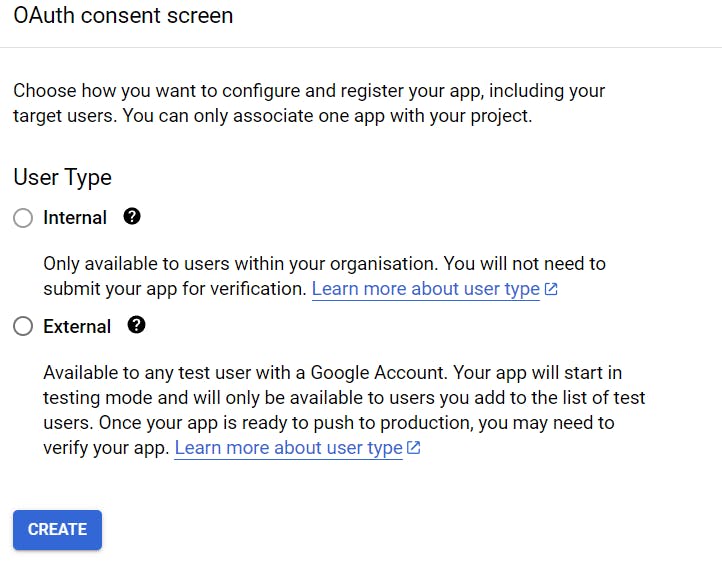
Select the External and click on CREATE.
App information, App logo, App domain, Developer contact information, Test users must be configured as per the requirement for registering the app.
Configure the authorized JavaScript origins and redirect URIs for your application.
- Setup the Credentials to access the enabled APIs with OAuth client ID
In the application type, multiple options are available, as of now select Web application.
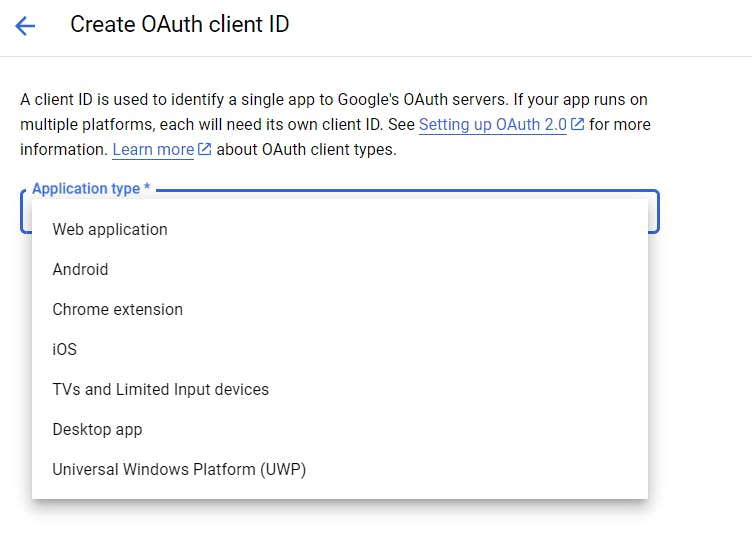
In the next click CREATE OAuth client ID. Authorized redirect URIs will be set up later.

After this Client ID and Client Secret will be provided which will be used to set up google as federated identity provider in the step later.
Step2: Create an Amazon Cognito User Pool:
Create a user pool in Amazon Cognito to manage user registration and authentication.
Search the Amazon Cognito service and click on Create user pool
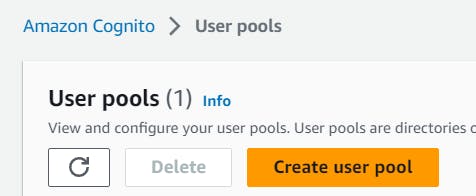
In the authentication providers select Federated Identity providers
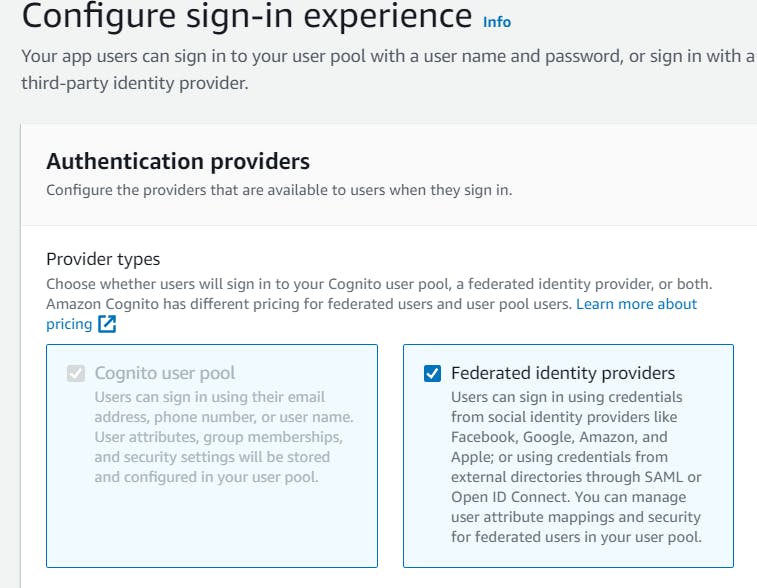
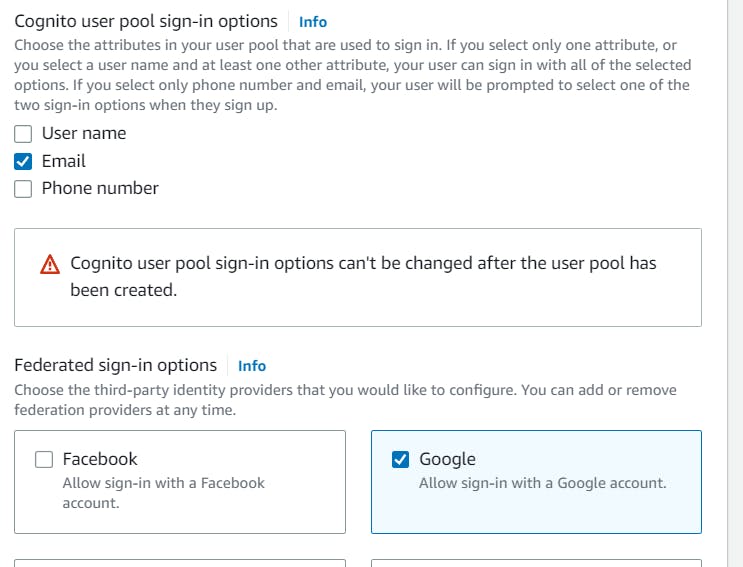
- In the Cognito user pool sign-in option choose the attribute that will be used to sign in. In the federated sign-in options select Google
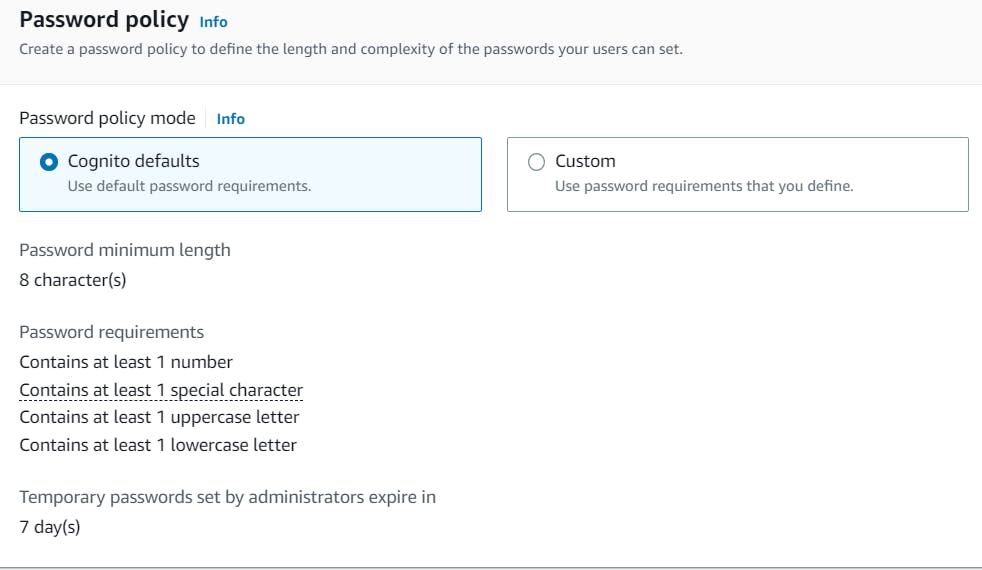
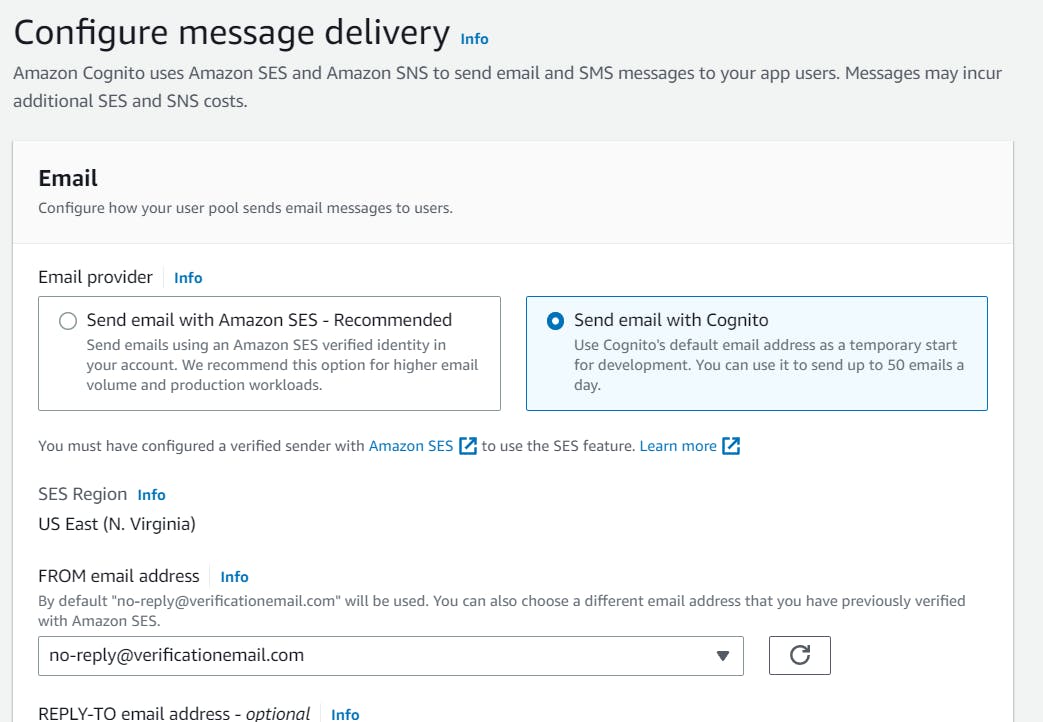
- Configure the user pool settings, such as password policies, email verification, user attributes, sign-up experience, and message delivery.
- In the Connect federated identity provider set up Google federation with this user pool. Provide the client ID and client secret obtained from the Google Developers Console. Authorized scopes can be selected as per choice for instance openid email profile.
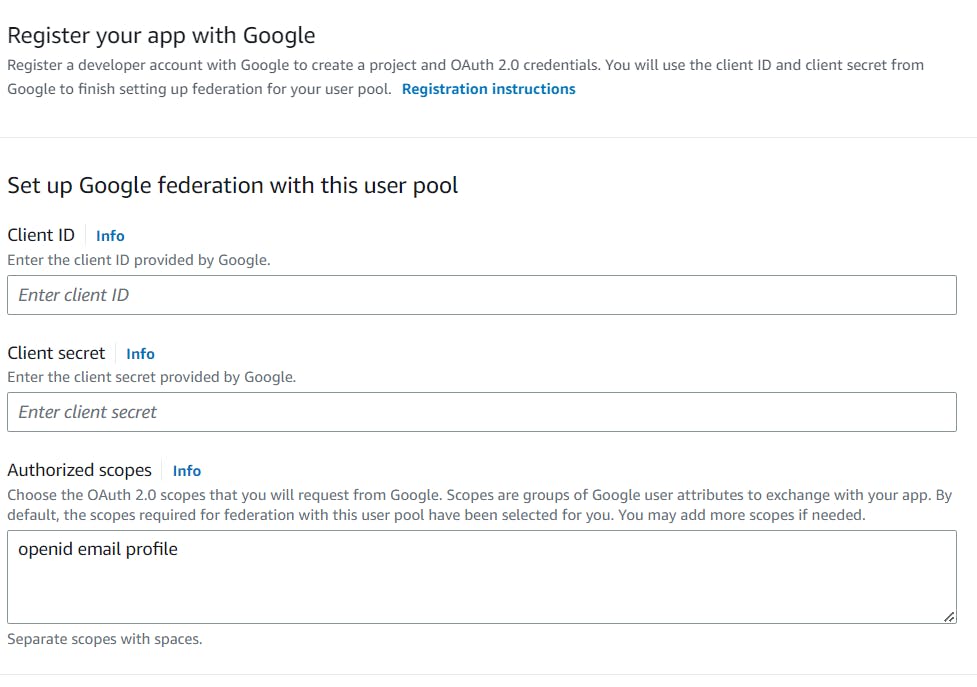
Now map the attributes between Google and user pool
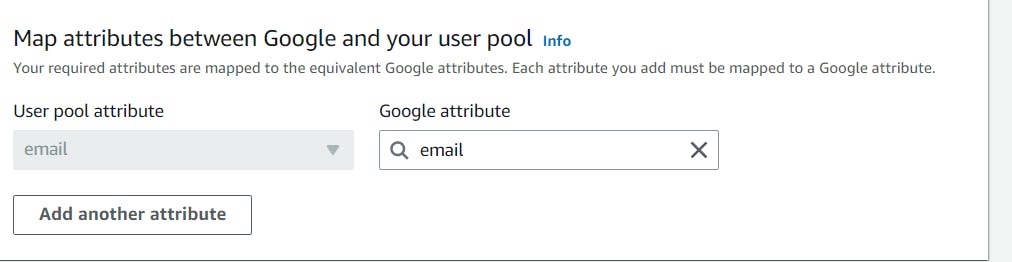
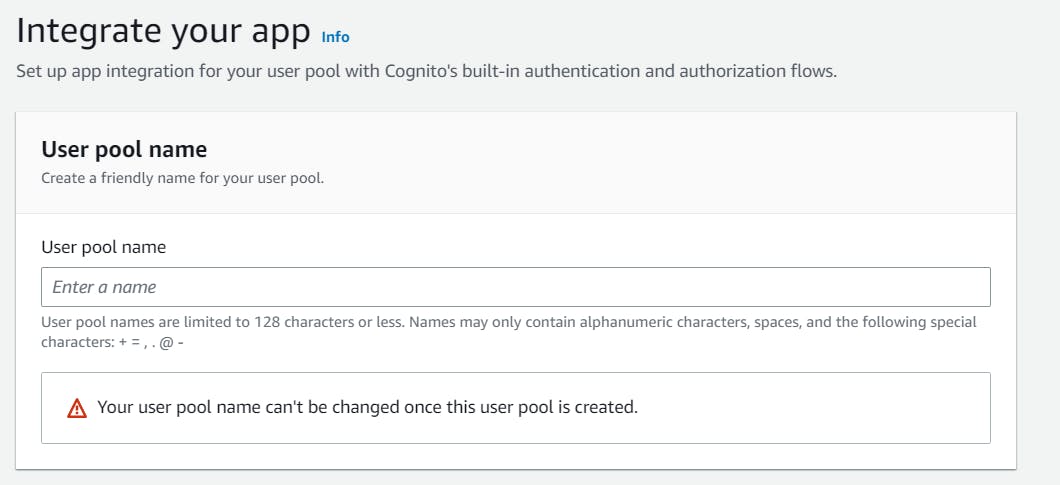
- Integrate App and set up client:
Provide the favorable user pool name
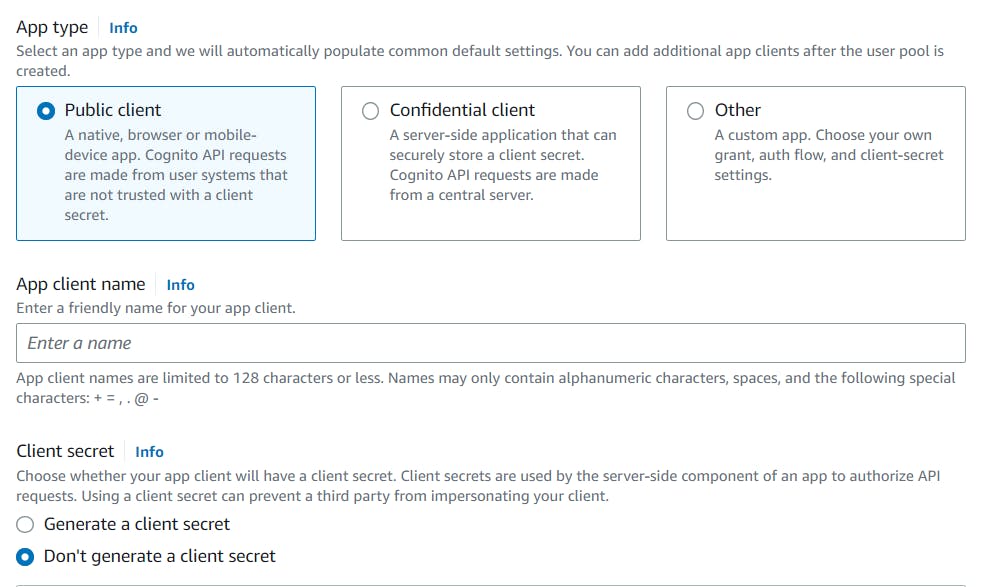
Set up the app client and choose whether to generate client secret or not.
Provide the domain name for Hosted UI and OAuth 2.0 endpoints. The domain name must be unique.
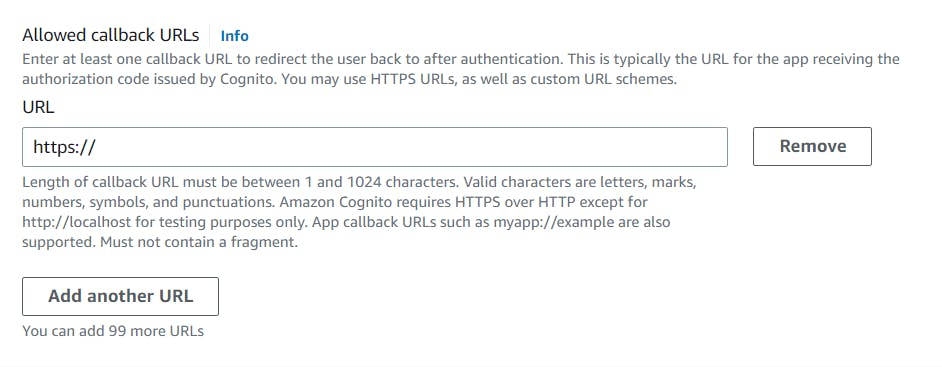
Set up the callback URL to redirect the user back after authentication,=.
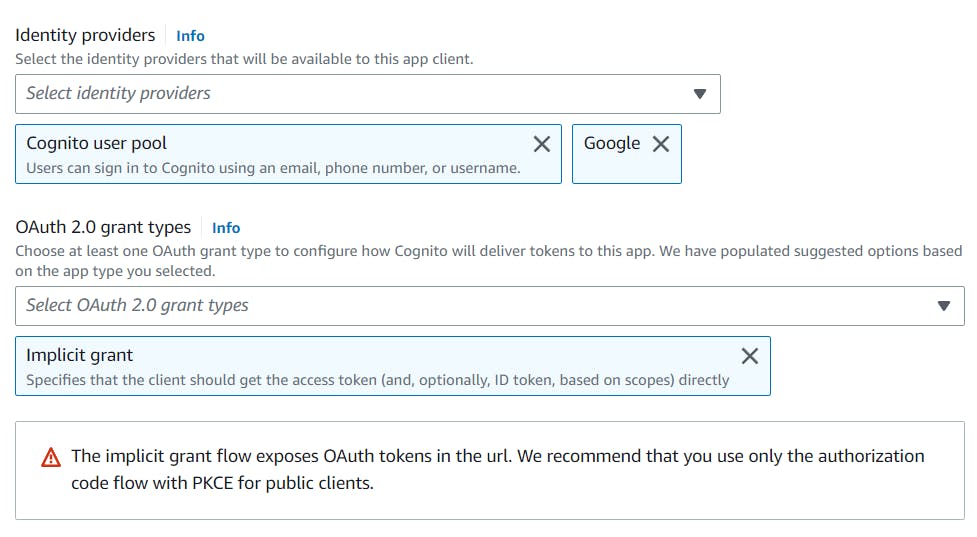
In the advanced app client setting select identity provider and OAuth 2.0 grant types. The Implicit Grant is an OAuth 2.0 authorization flow used in web applications. It's suitable for JavaScript-based applications running in web browsers or environments where client secrets cannot be securely stored. In this flow, the client application directly obtains the access token from the authorization server without a separate token exchange step. It involves redirecting the user to the authorization server, authentication, and granting permission.
Now, at last click on Create user pool
Step3:Set up Authorised redirect URI's.
Go to the Google developer console in the Authorised redirect URI's and provide the URI's as:
Copy
https://yourDomainPrefix.auth.region.amazoncognito.com/oauth2/idpresponse
Replace yourDomainPrefix and region accordingly from the values of user pool. and SAVE.
Step4: Check the Hosted UI
Select User pool created above and Click on App integration

At the bottom select the corresponding app client name you created earlier
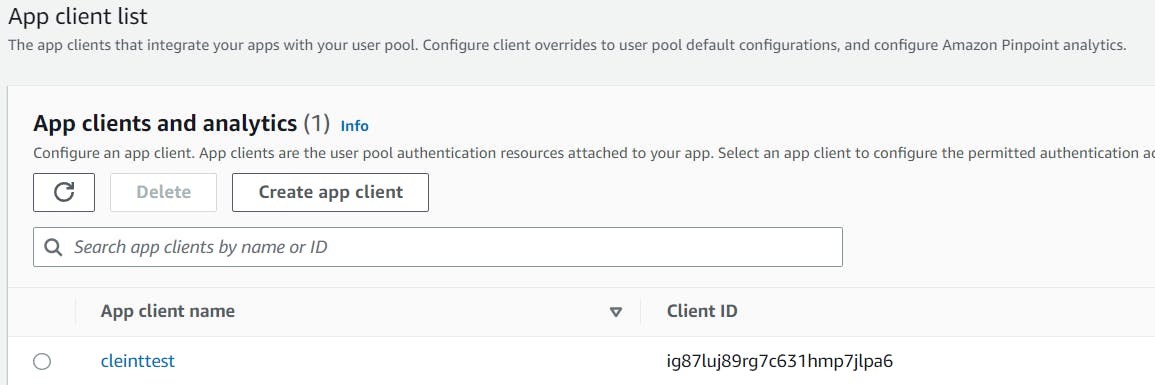
In the hosted click on View Hosted UI
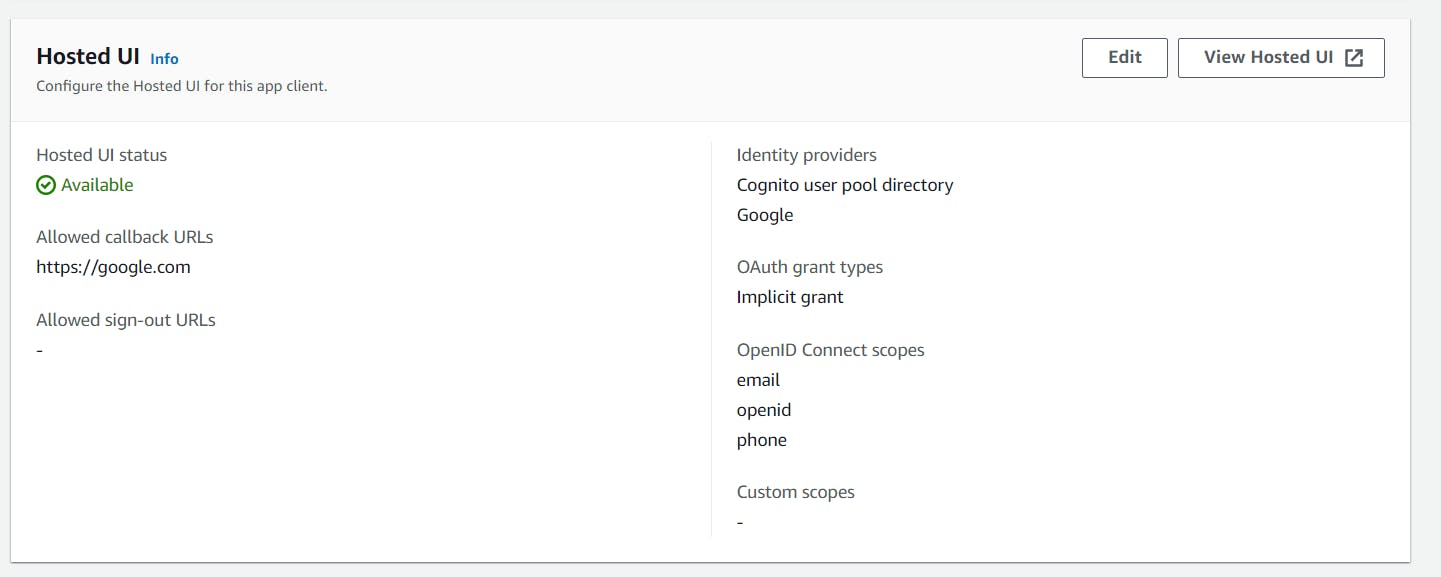
The output can be seen as below where sign in with google is available.
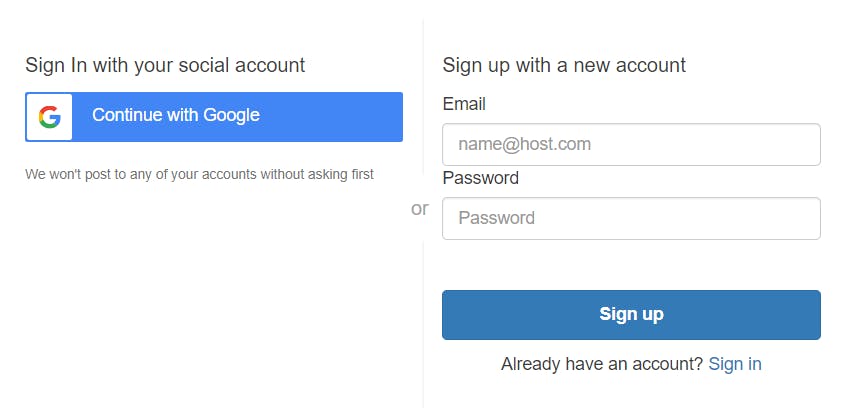
Successfully User Authentication with Amazon Cognito and Google Integration is done. This can also be integrated with own hosted UI's in own website.


